Most articles on this topic give you a pros and cons list for each option and then tell you it depends on your needs and budget. That is not especially useful. The real question is not which option is objectively better in the abstract. It is which one is right for where your business is right now, what you need the site to actually do, and what you can realistically invest and maintain over the next three to five years.
There is also a third option that most of these comparisons skip: a professionally designed and built WordPress site that is neither a drag-and-drop template platform nor a ground-up custom build. That middle ground is where most small and mid-sized businesses land, and understanding how it differs from both extremes makes the real decision much clearer. If you want to understand what a professional web design engagement actually looks like, that context will make the comparison below more concrete.
This post will be honest about both options, including where templates genuinely serve businesses well and where they produce long-term problems that cost more to fix than they saved upfront.
What “Template” Actually Means (It Is Not One Thing)
The word template covers a wide range of products, and the differences matter. A Wix or Squarespace template is a locked design structure on a proprietary platform. You can change colors, swap images, and edit text, but the underlying architecture, hosting environment, and export options are all controlled by the platform. You do not own the infrastructure.
A WordPress premium theme is different. It runs on open-source software on hosting you control, you can modify it extensively, and you are not locked into a vendor’s platform. Many professionally built sites use a premium WordPress theme as a starting point and apply substantial custom design and development on top of it. The result can look and function like a fully custom site even though it began with a theme framework.
These two things are frequently conflated in conversations about templates versus custom design, but they carry very different implications for your business long-term. Knowing which one you are actually comparing matters before making a decision.
What Custom Design Actually Means
A custom-designed website is built specifically for your business. The layout, user flow, visual identity, and content structure are all designed from the ground up with your customers, your services, and your conversion goals in mind. Nothing is constrained by a pre-existing template. The developer is not working around a theme’s layout assumptions or overriding styles that were not designed for your content.
This does not always mean building without any existing frameworks. Most experienced agencies use established tools for things like responsive grid systems and component libraries. What makes a site custom is that the design decisions, the UX structure, and the visual output are specific to that client, not adapted from a starting point designed to look acceptable for any type of business.
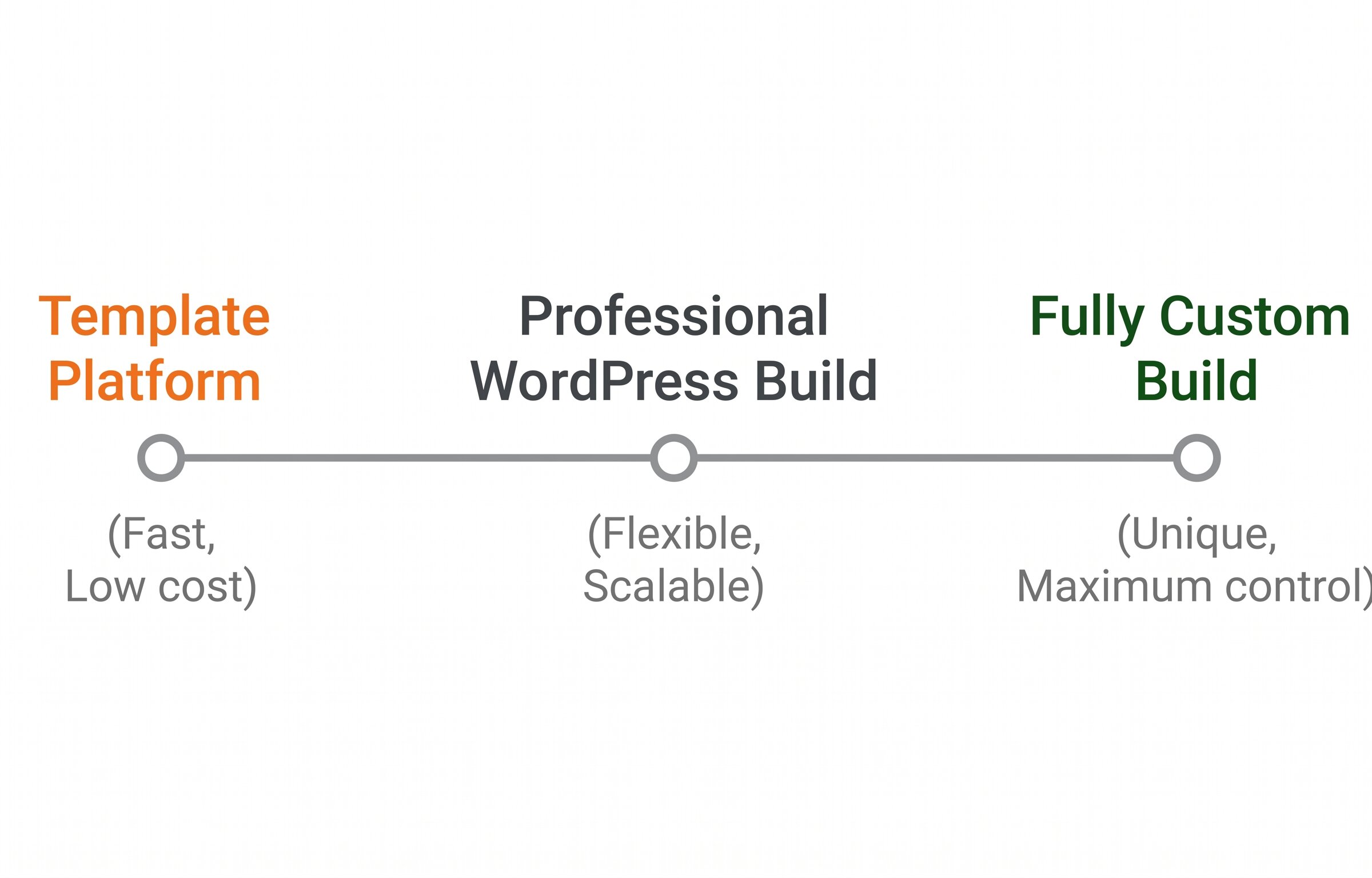
The choice is not binary. There is a practical middle ground between a DIY template platform and a fully custom build, and it is where most professionally built small business sites sit.
Side by Side: What Each Approach Delivers
| Factor | Template Platform (Wix / Squarespace) | WordPress + Professional Build | Fully Custom Design |
|---|---|---|---|
| Time to launch | Days to 2 weeks | 3 to 6 weeks | 6 to 16 weeks |
| Upfront cost | Lowest, plus ongoing platform fee | Moderate, one-time build cost | Highest upfront |
| Design uniqueness | Low, shared with many other sites | Medium to high with custom design applied | High, built entirely around your brand |
| Performance potential | Limited by platform overhead | Good with proper optimization and hosting | Best, no unnecessary code or platform constraints |
| SEO control | Basic, platform tools vary in quality | Strong, full control with proper setup | Full, complete control over structure and markup |
| Scalability | Limited, complex features hit platform walls | Good, extends well with the right build | Best, no architectural limits |
| Ownership | Platform-dependent, not truly portable | Fully owned, portable to any host | Fully owned, complete code control |
| Maintenance | Minimal, platform handles core updates | Regular plugin and core updates needed | Regular, requires a trusted maintenance partner |
The Hidden Costs of Templates Nobody Mentions at the Start
Templates look affordable at the point of purchase. The problems tend to appear six to eighteen months in, when the platform’s limitations start to collide with where the business wants to go.
When a Template Is Genuinely the Right Answer
Templates are not inherently the wrong choice. For the right situation they are a completely reasonable decision, and saying otherwise is not honest. TVL has told clients this directly when they came expecting to be sold a custom build.
A template makes sense when:
- You are pre-revenue or early stage and need a basic web presence to get started
- The site is temporary, for a single campaign, event, or short-term project
- Your services are still being defined and you expect to rebuild in 12 to 18 months anyway
- A basic presence is genuinely better than no presence and the budget does not support more
- The site is a simple brochure with no conversion goals beyond listing a phone number
Custom design makes sense when:
- Your website is a primary lead generation tool and conversions directly affect revenue
- You operate in a competitive market where brand differentiation affects who gets the enquiry
- You anticipate growth in services, locations, or features over the next two to three years
- Performance and SEO are priorities and not afterthoughts
- You need integrations, booking systems, or e-commerce that a template platform cannot support cleanly
- You have invested in marketing and need a site that actually converts the traffic you are paying to send
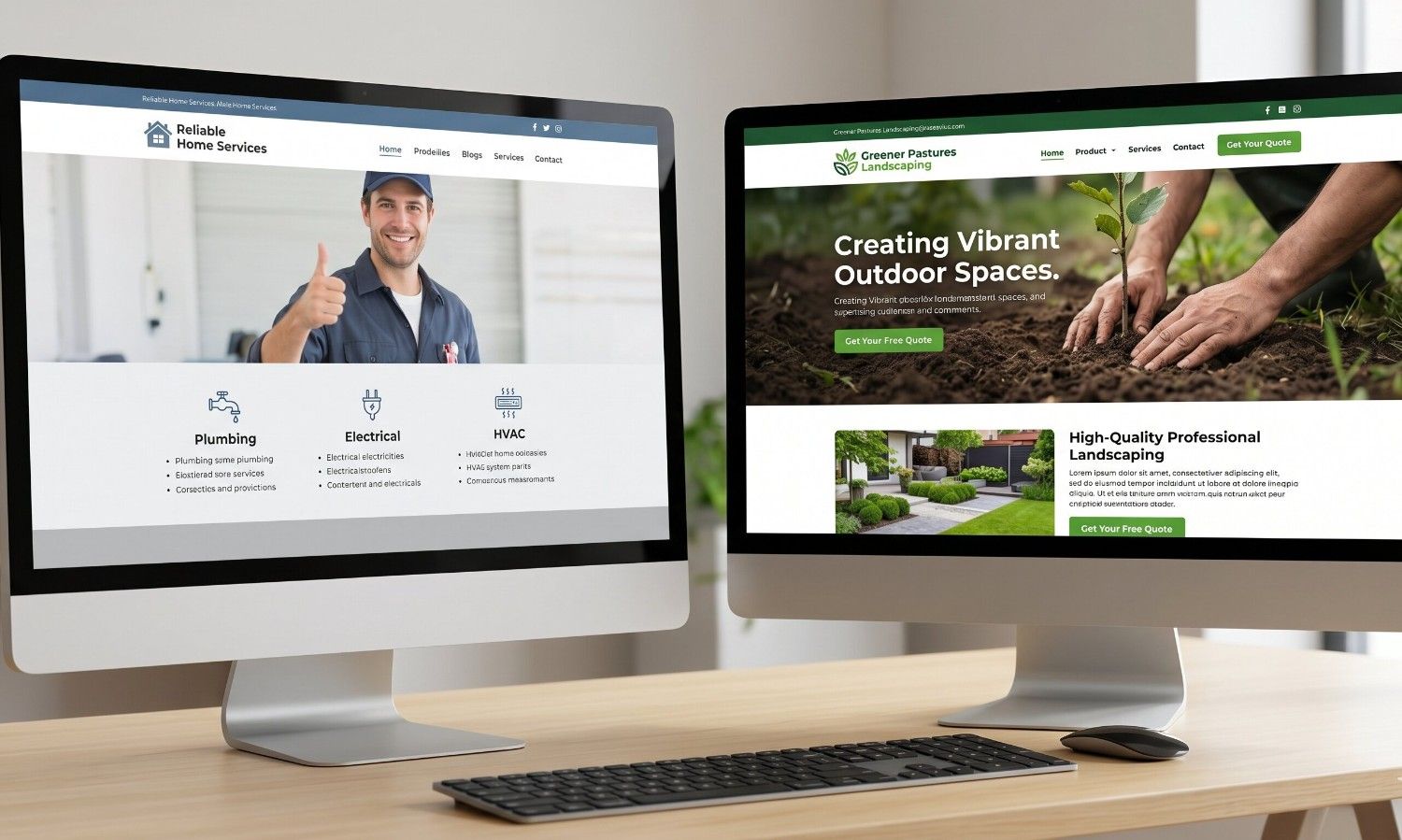
In competitive local markets, visual credibility is a real factor in who gets the enquiry. A site that looks like every other site on the same template does not project the confidence a custom design can.
The Middle Ground: A Professionally Built WordPress Site
For most small and mid-sized businesses, the most practical answer is neither a DIY template platform nor a fully ground-up custom build. It is a professionally designed and built WordPress site where the design is customized specifically for the business and the build is done properly from the start.
This approach gives you full ownership of your site, performance that a drag-and-drop builder cannot match, a design that reflects your brand rather than a shared template, and a foundation that scales as your business grows. The investment sits between a Squarespace subscription and a fully custom development engagement. For most businesses at the point where their website needs to genuinely perform, it is the most efficient path.
WordPress powers over 40% of all websites on the internet precisely because it hits the right balance of flexibility, performance, and long-term viability for most use cases. A well-built WordPress site running on quality hosting, with professional design applied and a clean build, outperforms a template platform site in every metric that affects business outcomes: speed, SEO, conversion rate, and scalability.
Questions to Help You Decide
Rather than matching yourself to a category, answer these honestly and let the answers point you in the right direction.
- Is this site actively generating leads or revenue for the business, or do you expect it to?
- Do your competitors already have professionally designed sites?
- Have you invested in SEO, paid advertising, or content that will drive traffic to this site?
- Do you anticipate adding features, service areas, or integrations in the next two years?
- How long do you expect this site to serve the business before rebuilding?
- Is your brand identity distinctive enough that a generic template would dilute it?
If most of your answers pointed toward growth, performance, and competitiveness, the investment in a professionally designed site will return more over its lifetime than a cheaper starting point that limits you within 18 months.
Frequently Asked Questions
Can a template website rank well in Google search?
Yes, a template website can rank, particularly for low-competition local searches. Most modern template platforms include basic meta tag control, clean URLs, and mobile-responsive layouts. The limitations appear in performance, where platform overhead can slow load times and affect Core Web Vitals scores, and in the flexibility to implement more advanced SEO structures. For competitive markets where technical SEO is a meaningful factor, a properly built custom or professional WordPress site will have a consistent performance advantage.
How much does custom web design cost compared to a template?
A Wix or Squarespace subscription typically runs $20 to $40 per month with a minimal setup cost if you do it yourself. A professionally built WordPress site with custom design typically ranges from $3,000 to $10,000 depending on scope and complexity. A fully custom build from the ground up starts around $10,000 and scales with complexity. The relevant comparison is not upfront cost alone but the total cost over three to five years alongside the business value the site delivers in that period. A $500 template that requires a $4,000 rebuild in 18 months costs more than a $5,500 professional build done right the first time.
Can I move from a template platform to WordPress later without losing my content?
Text and images can typically be migrated, though it requires manual effort since template platforms are not designed for portability. What you cannot take with you is the design itself, platform-specific features, or your URL structure without careful planning. A URL structure change during migration can affect search rankings if not handled with proper redirects. If you anticipate eventually moving to WordPress, it is worth structuring your content and URLs thoughtfully from the start, even on a template platform, to make that eventual migration cleaner and less disruptive.
Is a custom WordPress site harder to update and manage than a template platform?
A well-built WordPress site is straightforward for a non-technical user to manage for day-to-day content updates: adding blog posts, editing service descriptions, updating team photos, and similar tasks. More complex changes like layout modifications or new feature additions typically require developer involvement, which is also true of template platforms once you push beyond basic customization. The difference is that on WordPress you have the option to make those changes without platform restrictions, and a good agency will structure the site so your team can handle routine updates without needing outside help for every small edit.
What about Webflow? Is it the same as Wix or Squarespace?
Webflow sits in a different category from Wix and Squarespace. It offers significantly more design freedom, cleaner generated code, better performance potential, and more precise control over layout and interactions. Designers with Webflow experience can produce sites that look and perform closer to a custom build than traditional template platforms allow. It is still a proprietary hosted platform with its own pricing and dependency structure, but the ceiling is meaningfully higher for design and performance. For businesses willing to invest in a skilled Webflow designer, it is a legitimate option between DIY templates and full custom development, though it shares the ownership and portability limitations of other hosted platforms.
Not Sure Which Approach Is Right for Your Business?
We give you an honest answer, not the one that sells the biggest project. Tell us where your business is, what you need the site to do, and what your timeline looks like. We will tell you exactly what we would recommend.
Let’s Talk It Through