How Does Page Speed Affect SEO?
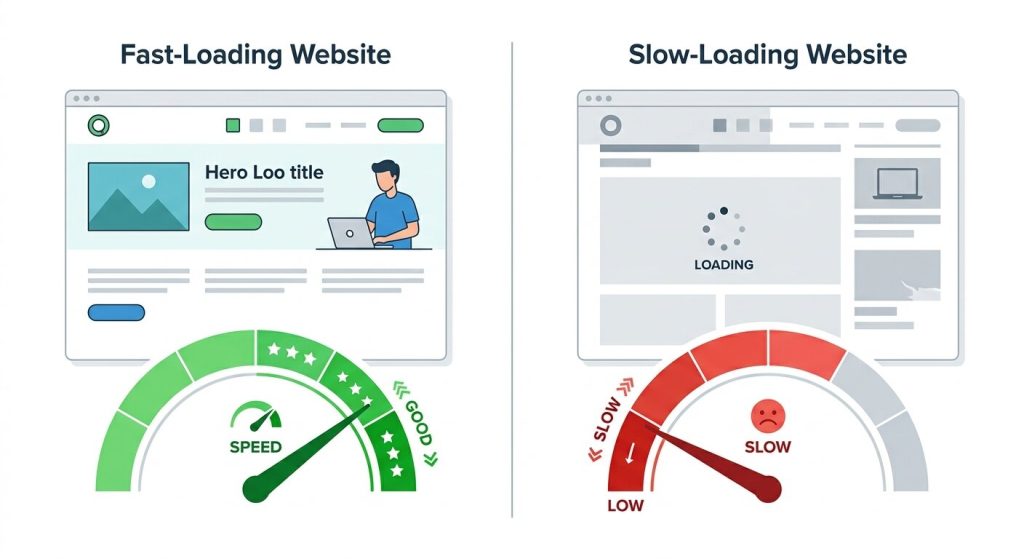
Search engines like Google want to deliver the most relevant and appropriate websites for searchers. To do this, they send bots to visit your website and check what your pages are about. If your website is slow, the bots take more time to open each page and can visit fewer pages overall.
Due to this, some of your pages may not get noticed and your website may show up less in search results. Page speed also indirectly affects user experience and overall conversion rate. Faster websites create a better user experience, and search engines naturally rank them higher. Plus, when users do not have to wait for your page to load, it automatically boosts conversion rates.
How Page Speed is Calculated
Page speed means how long it takes for a page on your website to load. However, it is a bit of a catch-all term and does not really mean how long it takes for everything on your page to load. That is how page speed was measured in the past.
For modern SEO, instead of waiting for every hidden script to load, it now tracks what actually matters to a real visitor: how quickly the main content shows up, how soon the page feels ready to use, and how fast it responds when someone clicks a button.
Here are the different metrics that Google uses for page speed measurement today:
Measures how long it takes for the largest visible element (hero image, heading, or banner) to load. Google considers anything under 2.5 seconds good.
Measures how fast your page responds to every click, tap, or keypress throughout the entire visit. A high INP makes your site feel slow and unresponsive even if it loads quickly.
Measures visual stability and how much page elements unexpectedly jump around while loading. Google wants a CLS score of 0.1 or less.
What Elements Impact Page Speed?
There can be many reasons for a slow website. By improving these common culprits, you can meaningfully optimize your page speed.
Poorly Written Code
Poorly written or bloated code is one of the most common causes of slow page loading. Improper HTML and CSS structure, outdated libraries, and inefficient database queries all contribute to a slow website. Minifying and compressing code or eliminating unnecessary elements can improve page speed.
Heavy Site Assets
High-quality images are often the biggest problem for your page’s speed. They are large and take a long time to download. Reducing image size or converting images to WebP can help improve performance. You can also implement lazy loading techniques and a Content Delivery Network (CDN) to help pages load faster.
Server Resources
When your server is slow, no matter how streamlined your files are, your webpage will feel slow to users. Cheap or shared hosting, high traffic, and server misconfigurations can all drag performance down. A good benchmark to aim for is a TTFB (Time to First Byte) under 800ms, which is Google’s threshold for an acceptable server response.
Too Many Plugins and Scripts
Too many plugins and scripts can slow down your website with extra code, additional server requests, and JavaScript that blocks the page from loading. This is especially common on WordPress sites. The fix is regular auditing: deactivate plugins you no longer use, replace heavy plugins with lightweight alternatives, and load scripts only on pages that actually need them.
Here is a quick breakdown of the most impactful fixes, ranked by effort:
| Fix | Effort | Impact |
|---|---|---|
| Compress and Resize Images | Low | High |
| Limit Third-Party Scripts | Low | High |
| Use a CDN | Low to Medium | High |
| Minify CSS/JS | Medium | Medium |
| Upgrade Hosting | Medium | High |
Which Tool Should You Use to Measure Page Speed
Though there are different tools for measuring page speed, Google PageSpeed Insights is the most recommended free tool. It gives you scores for your loading speeds and detailed information on why your pages are not performing well, along with guidance on how to fix it.
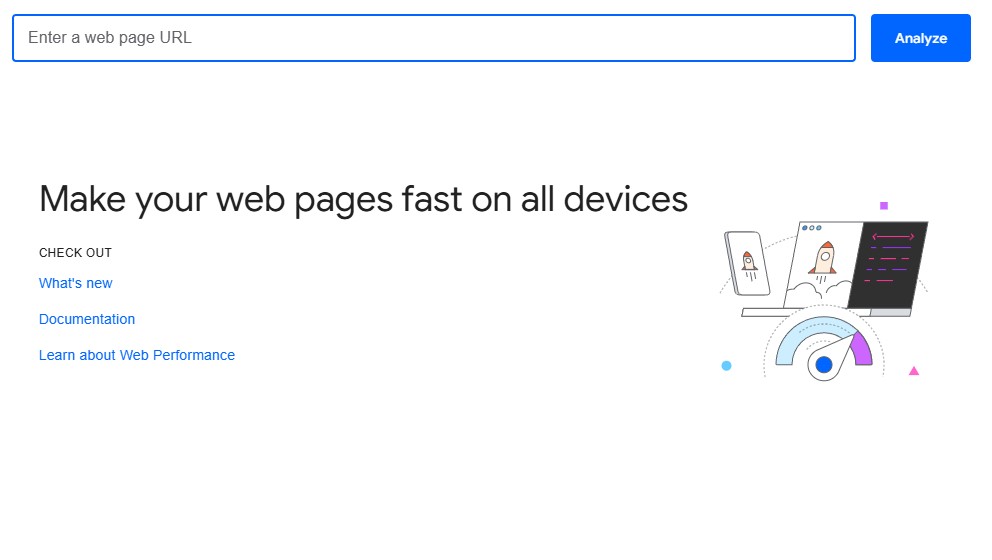
We recommend this tool because it is the most effective and comes directly from Google. However, do not fall for the common belief that a 100/100 Insights score is essential.
Chasing a perfect score can lead to implementing recommendations that hurt real user experience. For example, PageSpeed Insights often recommends switching images to next-gen formats like AVIF for smaller file sizes. But if a visitor is on a browser or device that does not fully support that format, they will see broken or degraded images instead. You improved your score and broke your page at the same time.
A score in the high 60s or 70s with a smooth, stable, visually consistent experience will serve your SEO and users better than a forced 95 with compromised design or broken elements. The goal is to create the best user experience for your visitors.
Which Pages Should You Actually Prioritize?
A website can have hundreds or thousands of pages, and Google evaluates each individually. Not every page needs immediate attention. The smarter approach is to prioritize based on where speed improvements will actually move the needle for your SEO.
These are your most valuable assets. A speed issue on these pages risks rankings you have already earned, so they deserve attention first.
These are your biggest opportunities. They already have solid content, and speed might be the only thing holding them back from breaking into the top three.
Once priority pages are addressed, work through the rest of your site systematically to compound performance gains over time.
Conclusion
Page speed not only improves ranking, but also affects user experience and conversion rate. It is not a one-time fix. It is an ongoing part of running a healthy, competitive website. The businesses that treat page speed seriously do not just rank better; they convert better, retain visitors longer, and build more trust with every page load.
Start with the pages that matter most, fix what is dragging them down, and monitor consistently. Small improvements compound over time into a meaningfully faster site, and a meaningfully better position on Google.
Ready to Speed Up Your Site?
Get a quick audit to spot the exact issues holding your pages back and find a clear path to fix them.
Get a Free Website Audit